
介绍:
使用方法:
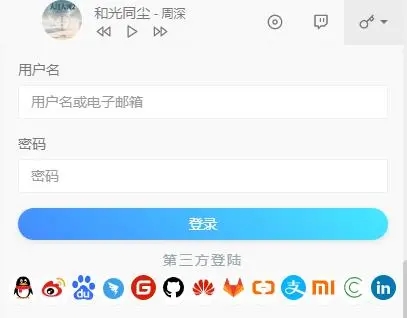
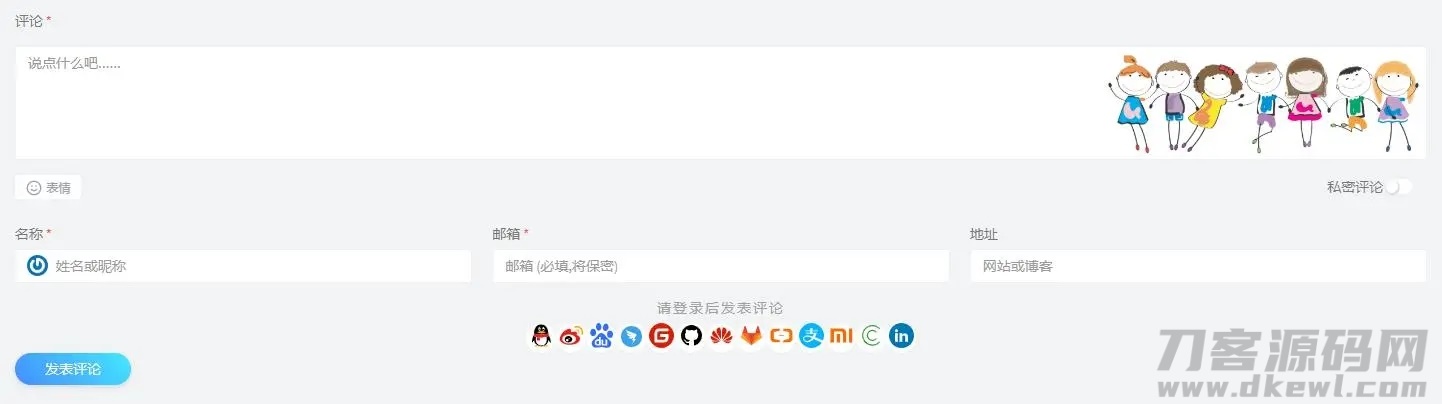
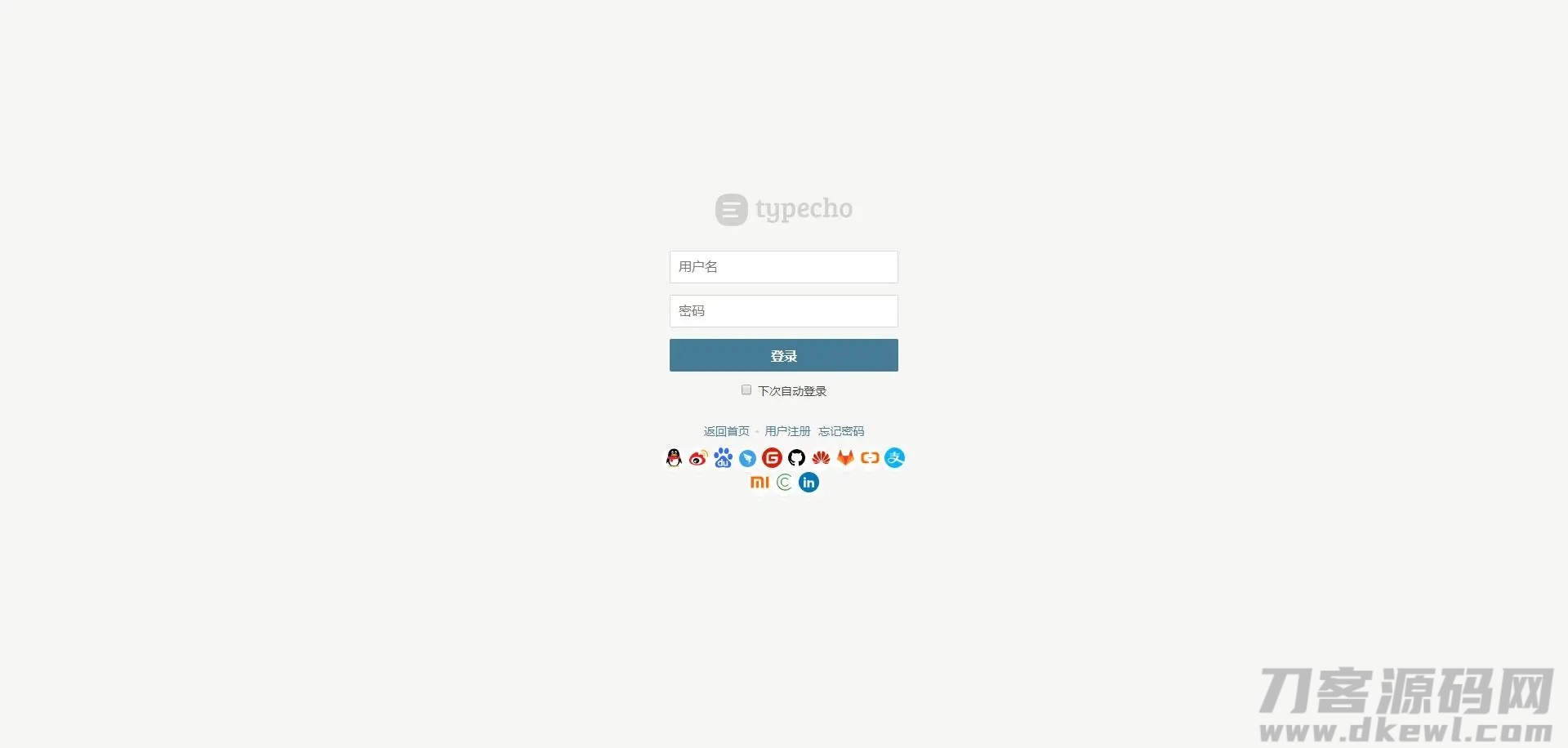
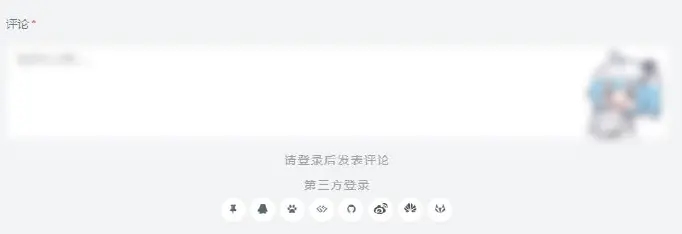
下载之后把插件丢到 plugins 目录 目录名改成 GmOauth 后台启动之后以下代码放在要输出登录按钮位置
code
登录按钮基于 handsome 模板 其他模板按钮排版需要加以下css
code
- .btn-icon.btn-sm {
- width: 30px;
- height: 30px;
- }
- a.btn {
- border: none!important;
- }
- .bg-white a {
- color: inherit;
- }
- .btn-rounded {
- padding-right: 15px;
- padding-left: 15px;
- border-radius: 50px;
- }
- .btn-icon {
- width: 34px;
- height: 34px;
- padding: 0!important;
- text-align: center;
- }
- .btn-default {
- color: #58666e!important;
- background-color: #fcfdfd;
- background-color: #fff;
- border-color: #dee5e7;
- border-bottom-color: #d8e1e3;
- -webkit-box-shadow: 0 1px 1px rgb(90 90 90 / 10%);
- box-shadow: 0 1px 1px rgb(90 90 90 / 10%);
- }
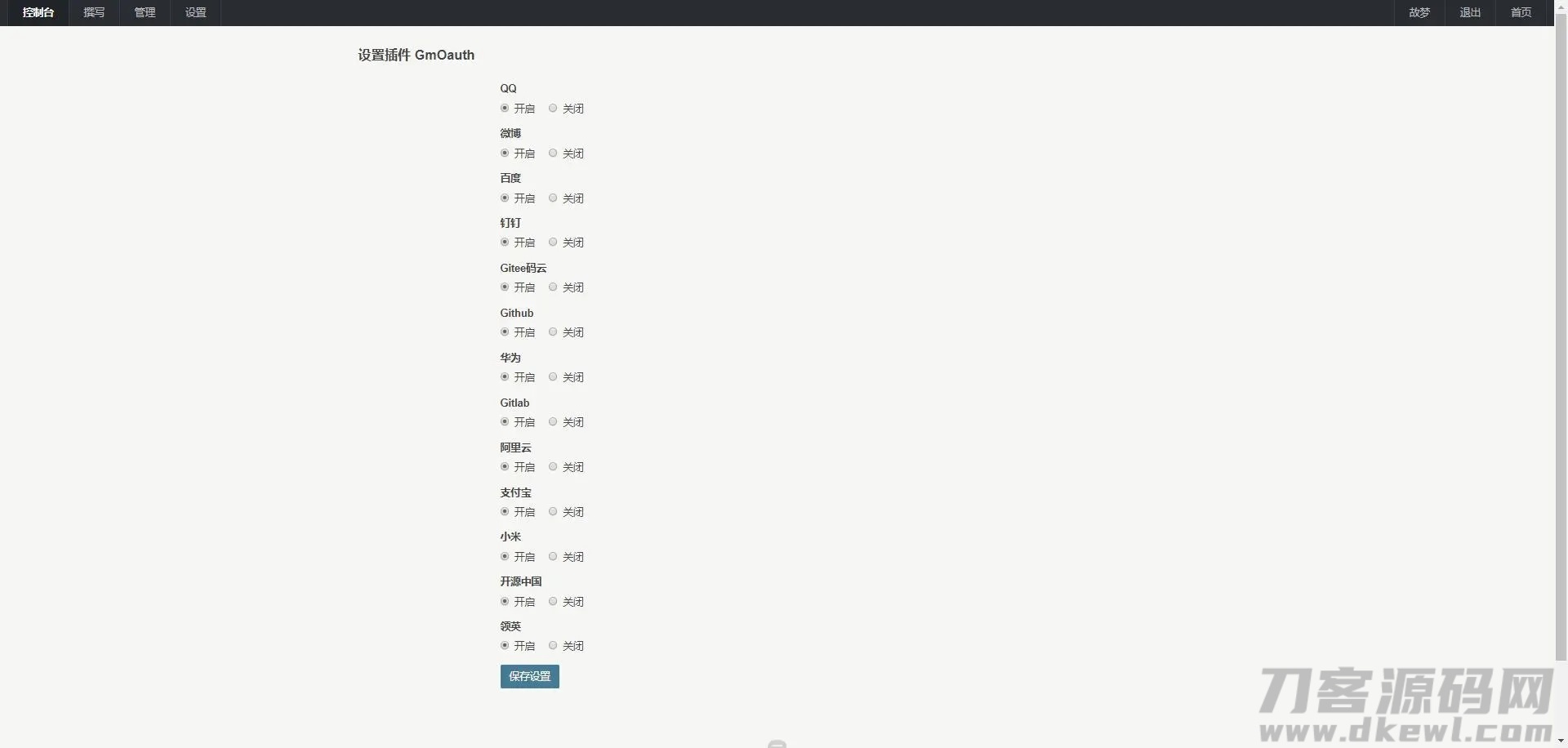
集成登录方式:
钉钉
QQ
百度
gitee码云
GitHub
微博
华为
Gitlab
阿里云
支付宝
小米
开源中国
领英
版本更新内容:
v2.1.2
解决非伪静态下不能使用问题
调整图标问题
修复已知道bug
v2.1.1
紧急修复写入创建表bug
v2.1
增加领英登录
增加后台设置第三方登录单独控制开关
v2.0.3
增加小米&开源中国登录
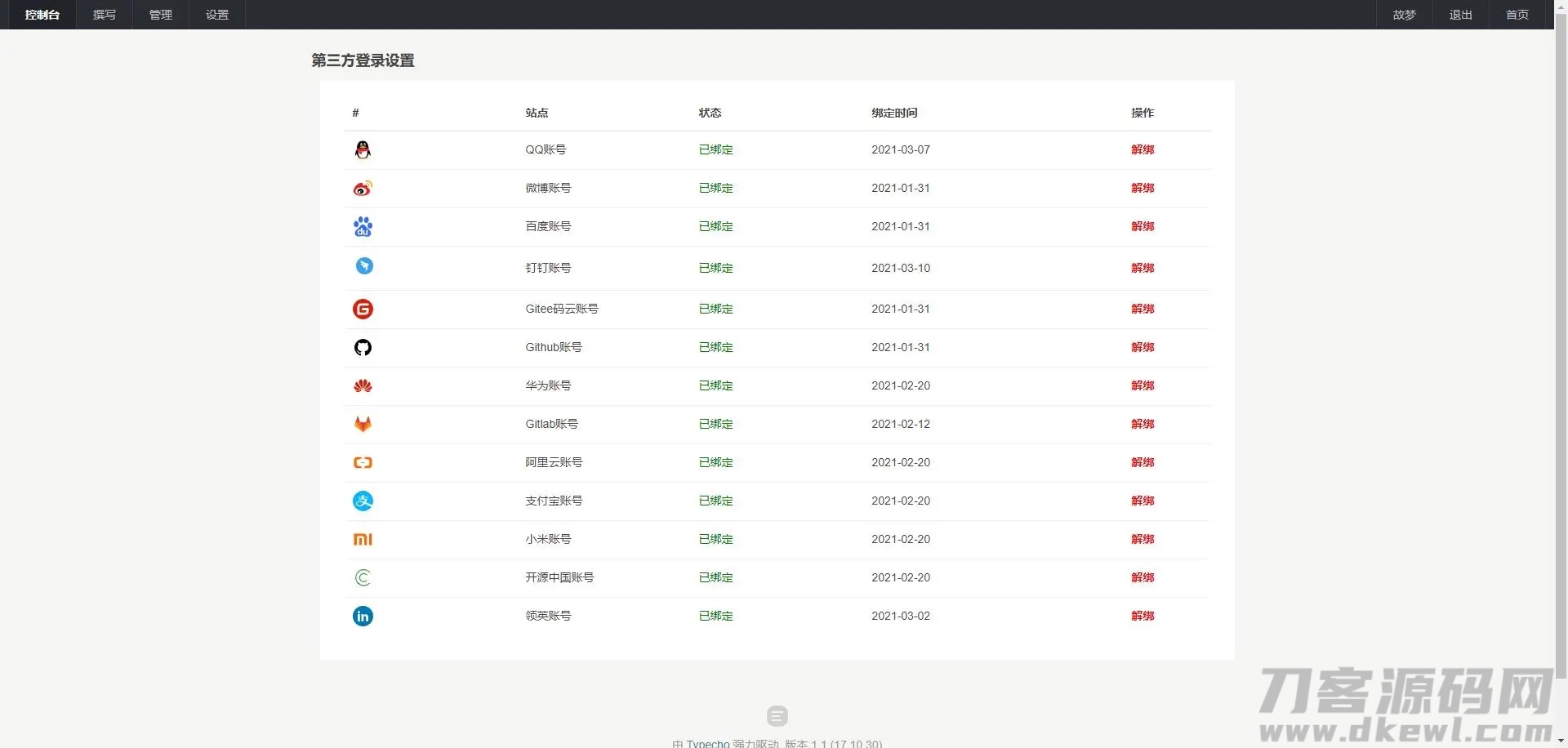
同步绑定设置Typecho样式
进行代码优化处理
v2.0.2
增加支付宝 阿里云 账号登录
修复已知bug
v2.0.1
优化已知bug
新增 gitlab 与 华为 第三方登录
v2.0
取消登录账号绑定
新增加后台用户绑定功能开启插件即可看见
优化已知bug
图片:
主题授权提示:请在后台主题设置-主题授权-激活主题的正版授权,授权购买:RiTheme官网
声明:本站所有文章,如无特殊说明或标注,均为本站原创发布。任何个人或组织,在未征得本站同意时,禁止复制、盗用、采集、发布本站内容到任何网站、书籍等各类媒体平台。如若本站内容侵犯了原著者的合法权益,可联系我们进行处理。

评论(0)