
XAMPP是一个易于安装的Apache发行版,其中包含MariaDB、PHP和Perl。仅仅需要下载并启动安装程序。就这么简单。
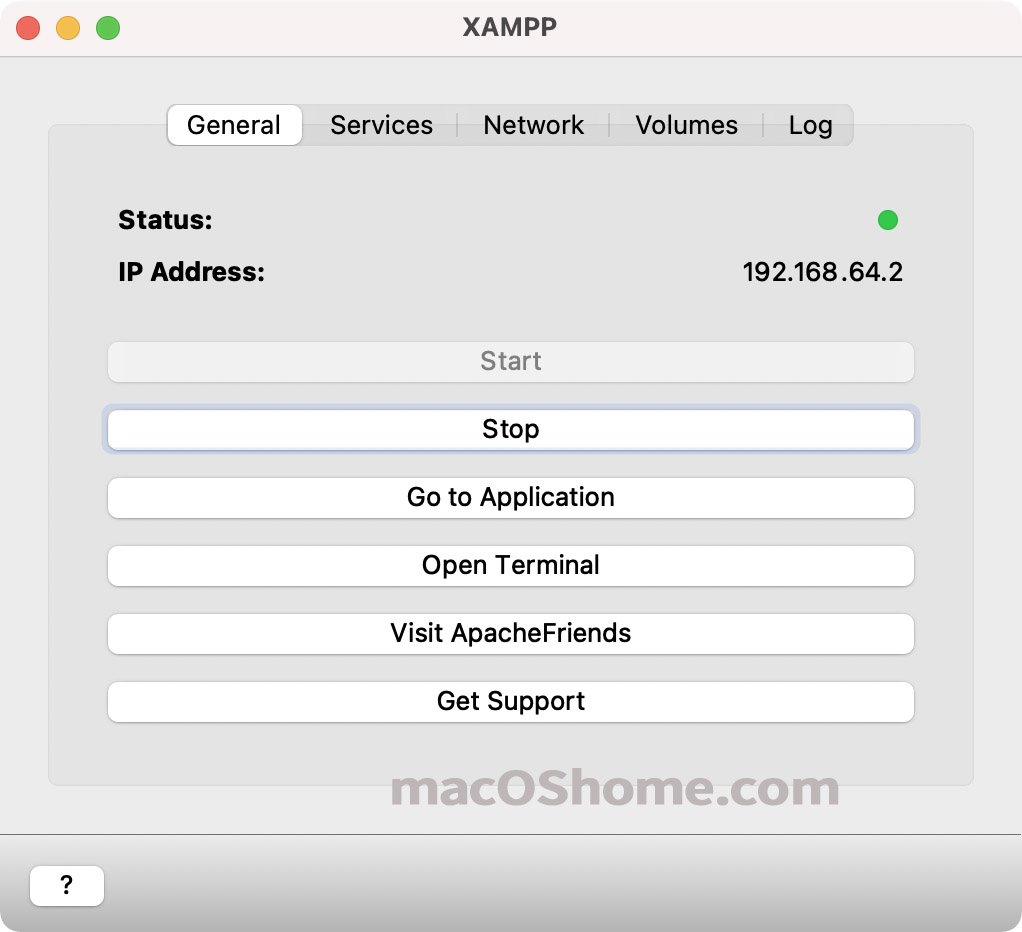
访问phpmyadmin发现无法用IP访问:
New XAMPP security concept
或者
New XAMPP security concept:
Access to the requested directory is only available from the local network.
This setting can be configured in the file “httpd-xampp.conf”.
If you think this is a server error, please contact the webmaster.
解决办法:
输入命令:
打开/opt/lampp/etc/extra/httpd-xampp.conf文件 找到如下代码:
AllowOverride AuthConfig Limit Require local ErrorDocument 403 /error/XAMPP_FORBIDDEN.html.var 将它改为
AllowOverride AuthConfig Limit Allow from all Require all granted ErrorDocument 403 /error/XAMPP_FORBIDDEN.html.var 最后重启XAMPP即可。
主题授权提示:请在后台主题设置-主题授权-激活主题的正版授权,授权购买:RiTheme官网
声明:本站所有文章,如无特殊说明或标注,均为本站原创发布。任何个人或组织,在未征得本站同意时,禁止复制、盗用、采集、发布本站内容到任何网站、书籍等各类媒体平台。如若本站内容侵犯了原著者的合法权益,可联系我们进行处理。

评论(0)